Website Accessibility Audit Services for WCAG Compliance
Find and fix the barriers that keep people from using your site. Our website accessibility audit combines manual and automated testing against WCAG requirements, with a clear report and prioritized fixes.
-
 Top 1%
of Software Developers on Clutch
-
 10+ years
on the market
-
 250+
satisfied clients around the world
-
 1000+
successfully delivered projects
What is an accessibility audit?
-
An accessibility audit is an expert evaluation of a website against WCAG success criteria. It combines automated tools, manual testing, and assistive technology to find barriers that affect people with disabilities.
In a web accessibility audit, we check whether someone using only a keyboard or a screen reader can move through your site and complete forms without guessing.
Automated scanners flag code-level issues, such as missing alt attributes, in minutes. A specialist then tests what tools can’t judge, like whether alt text describes the image or an error message helps the user recover.
Why Your Website Needs a WCAG Accessibility Audit
With a WCAG accessibility audit, you see how your website measures up against the laws in your markets and how easy it is to use for people with disabilities.
-
Legal Requirements: ADA, EAA and the Equality Act
In the US, ADA Title III applies to businesses open to the public, and courts have applied it to websites in many cases. Most lawsuits and settlements use WCAG as the benchmark, so an ADA website audit measures your site against those criteria.
In the EU, the European Accessibility Act has applied since June 28, 2025, to consumer-facing digital services such as e-commerce, including for non-EU companies selling to EU consumers. Its technical reference, EN 301 549, currently maps to WCAG 2.1 AA, and a new version that moves to WCAG 2.2 AA was published in September 2026. In Great Britain, the Equality Act 2010 (the Disability Discrimination Act 1995 in Northern Ireland) requires reasonable adjustments for disabled people, and WCAG 2.2 AA is the usual target.
-
More Customers, Better UX, Stronger SEO
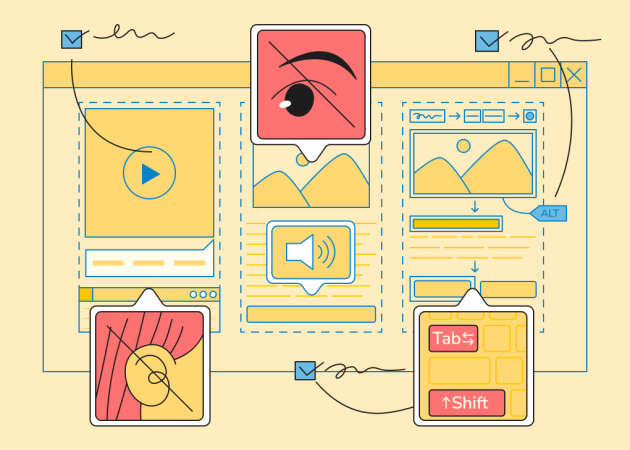
An accessible website lets people with visual, hearing, motor, or cognitive disabilities use your services without help. Older users, people with a temporary injury, and anyone reading a phone in bright sunlight benefit as well.
Keyboard navigation and well-labeled forms make your site easier to use for all visitors, with or without assistive technology. The semantic structure that helps a screen reader – clear headings, descriptive links, alt text – also helps search engines understand your content. Treat accessibility as part of website quality, alongside speed and security.
Curious how your site measures up?
What’s Included in Our Website Accessibility Audit
The audit follows the same accessibility requirements our developers and QA engineers apply on our projects, so the findings come from hands-on practice.
-
Automated Scanning of Key Templates and Pages
We scan your homepage, core templates, forms, and checkout with axe, WAVE, and Lighthouse, review titles and headings with META SEO inspector, validate HTML/CSS with the W3C validator, and check contrast in browser developer tools. Manual testing finds the rest.
-
Manual WCAG Testing
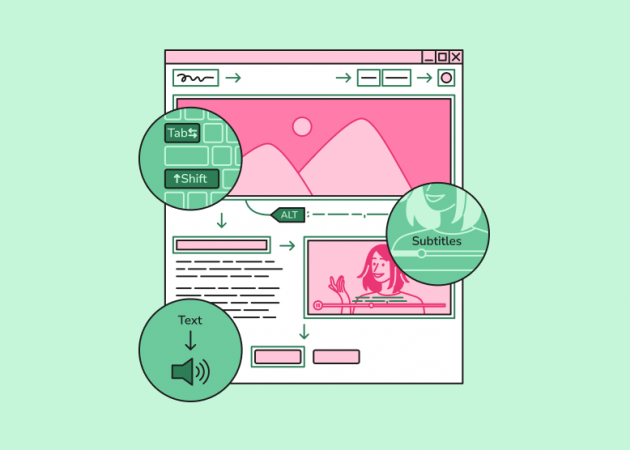
We check page titles, headings, alt text, contrast of at least 4.5:1 (including hover states and error messages), text resizing, keyboard access, focus order, forms, moving content, and media players, including captions and transcripts. Manual checks catch what scanners miss, like a keyboard trap in a modal.
-
Screen Reader Testing
We test with the NVDA screen reader on Windows and a Chrome screen reader extension to hear how a screen reader announces your pages. You’ll learn about problems like unlabeled buttons or content announced in the wrong order.
-
WordPress-Specific Review
Our WordPress accessibility audit covers theme templates, Gutenberg blocks, form plugins, menus, sliders, cookie banners, and WooCommerce checkout. It can run alongside a WordPress security audit or feed into WordPress migration services, since both touch the same templates and plugins.
Want to talk through your requirements?
Our Accessibility Audit Process
We run each audit in six steps, from scope to retesting. If you’d like a lighter first look before a full audit, start with a free website review.
-
Project Scope and Requirements
We look at your website’s structure and users and agree on the accessibility requirements that apply.
-
Automated Testing
We scan representative pages and templates with axe, WAVE, and Lighthouse to flag potential issues, then review titles and headings with META SEO inspector.
-
Manual and Screen Reader Testing
We test the relevant WCAG criteria by hand, using keyboard navigation, NVDA, and a Chrome screen reader extension.
-
Issue Assessment
We group findings by affected component and prioritize them by severity and impact on users.
-
Recommendations
We pair each finding with its success criterion and a recommended fix.
-
Remediation and Retesting
If fixes are part of the agreed scope, our developers implement them and retest the affected areas.
From Audit to Fixes: WordPress Accessibility Remediation
Once we complete the review, our developers can make the fixes. They know where each problem sits in a WordPress setup, from theme templates to plugin markup.
We fix each issue at its source: the theme, a block, a plugin, or custom code. After each round of fixes, we retest the affected components.
How to Work With Us
Choose the setup that fits your scope: a defined audit project or ongoing support from WordPress developers who know your site.
-
Dedicated Team
Ongoing Team CollaborationGet dedicated WordPress developers for ongoing accessibility improvements and other site work. They join your workflow and check accessibility as your site grows.
-

Project Solutions
Project-Based CollaborationBook an accessibility audit and remediation project with an agreed scope and deliverables. The same team that documents the findings implements the fixes.
Who can benefit from accessibility audits
If people rely on your website to buy, apply, or find support, you’ll want to know where they get stuck. These teams ask us for audits most.
-
Digital Agencies
Offer web accessibility audit services under your own brand. Through white-label accessibility audits for agencies, we test and fix client sites while you keep the client relationship.
-
E-commerce and WooCommerce Stores
If a shopper can’t use your navigation, filters, or checkout with a keyboard or screen reader, they can’t buy. We test the full path from browsing to payment.
-
Businesses Selling into the EU
If you serve EU consumers, a European Accessibility Act audit shows where your site stands against the requirements and which gaps to close first.
-
Nonprofits and Public-Sector Websites
Your audience includes people of all ages and abilities, and your site has to work for them. We check the content, forms, and donation or application flows your visitors depend on.
-
Multisite and Multi-Brand Organizations
On WordPress Multisite, one template issue can repeat across every site in the network. We trace shared components, so we can fix a shared template once for the whole network.
-
In-House Marketing Teams on WordPress
If you publish often, new pages, plugins, and templates can introduce barriers that no one spots. After an audit, your team knows what to check before each new page goes live.
Let's make sure your website is accessible
What does an accessibility audit cost depend on?
Accessibility audit cost depends on how complex your website is and how far the assessment goes. To give you an accurate estimate, we first look at your website and the requirements you need to meet. These factors shape the scope:
- Unique templates: each template needs its own review, while pages built on the same template share most findings.
- Page count and complexity: a 20-page brochure site and a large content library call for different sample sizes.
- User journeys: each flow you want tested, such as sign-up, search, or checkout, adds testing time.
- Conformance target: WCAG 2.2 AA is the usual goal, while AAA adds stricter criteria.
- Applications and PDFs: testing web apps, portals, or downloadable documents extends the scope.
- Integrations and third-party components: booking widgets, payment forms, and embedded tools need their own checks.
Our Work
We build complex websites as well as audit them, so our fixes come from hands-on development experience. These three projects show that work.


Ready to assess your website’s accessibility?
Tell us about your website and the requirements you need to meet. We’ll help you define the audit scope and the right depth of testing.